Save a recipe from a social post
Paste the link to a TikTok, Instagram, YouTube, Pinterest, Reddit or Facebook post, or paste its text.
1Copy the link to the post
Copy the link to the post from the app you are in.
2Paste it into Add recipe
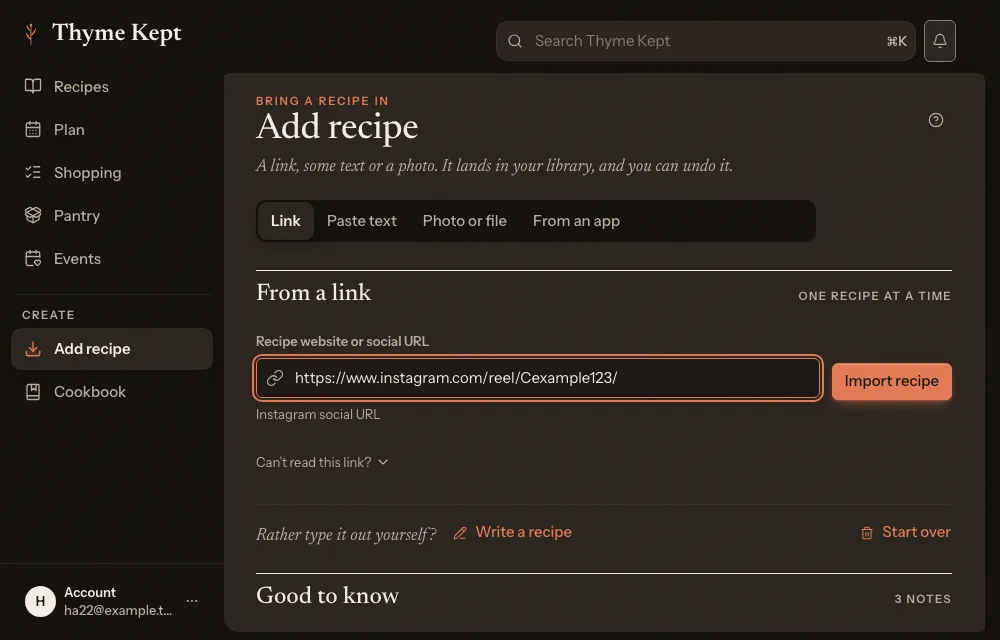
Choose Add recipe in the sidebar and stay on the Link tab. Paste the link into Recipe website or social URL. Thyme Kept notices the app, for example “Instagram social URL”. Choose Import recipe.
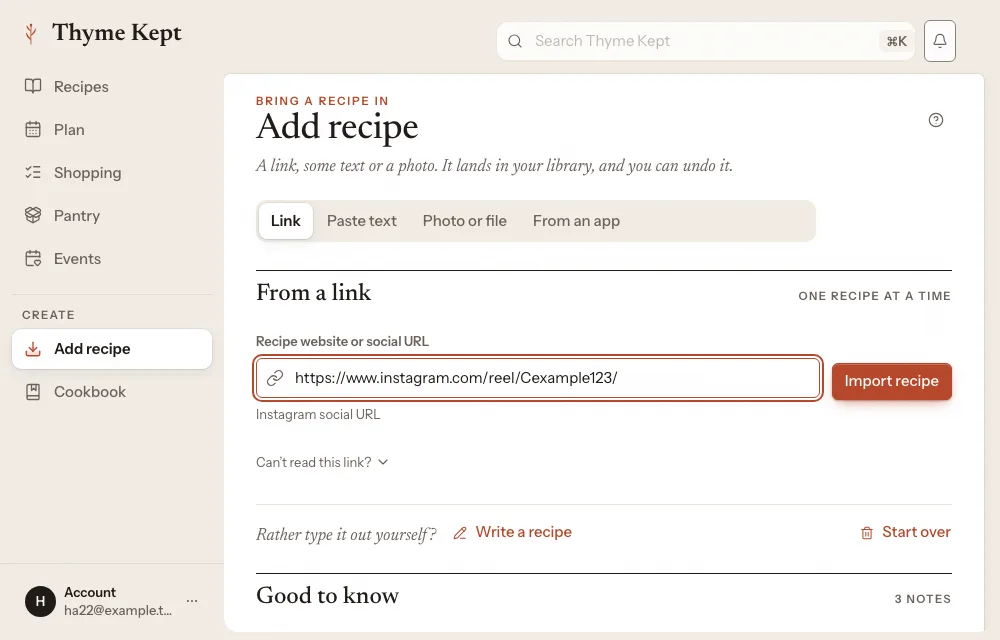
3What Thyme Kept reads
Thyme Kept reads the post’s caption or description. If the caption points to the creator’s own recipe page, Thyme Kept follows that link and imports the page. Otherwise it reads a recipe written out in the caption. The recipe is saved straight away, and you can undo it.
4If the post has no written recipe
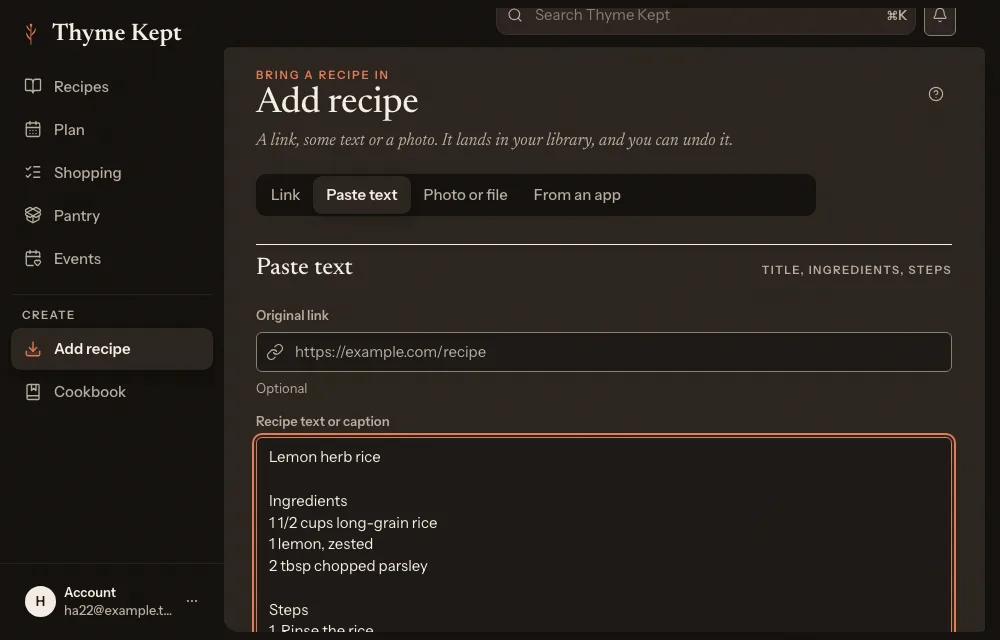
When the recipe is only in the video, Thyme Kept saves nothing and tells you so. Copy the recipe from the caption or a comment instead, and use the Paste text tab: paste it into Recipe text or caption, and add the post’s address in Original link if you like.
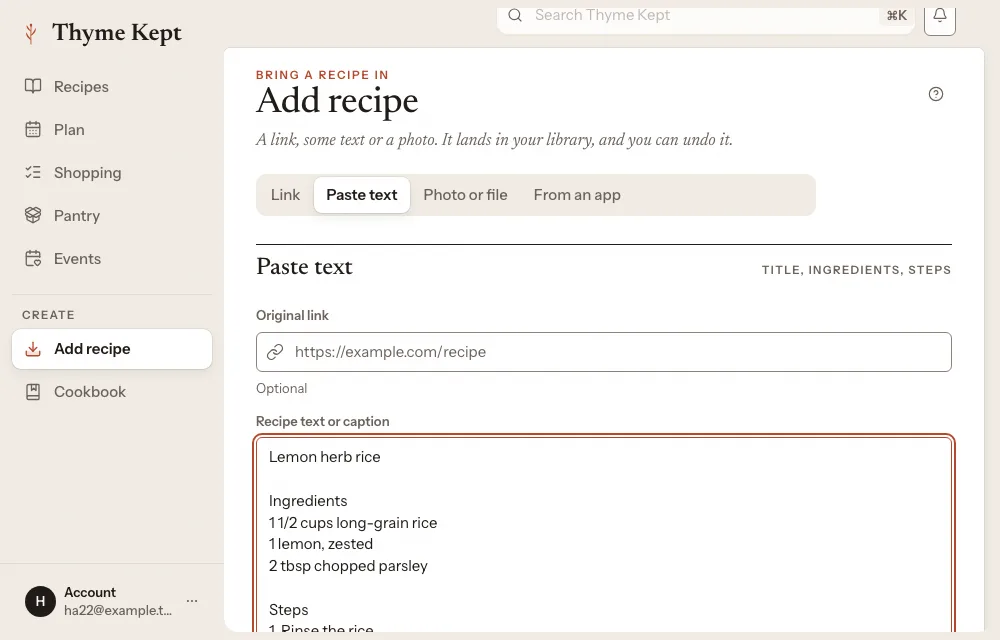
Or find the creator’s own written recipe and paste that link.
Next
4 pagesStill stuck? Contact support
Updated October 25, 2026