Bring your library from another app
Export from Paprika, Mela or another recipe app, and drop the file into Thyme Kept.
1Export from your app
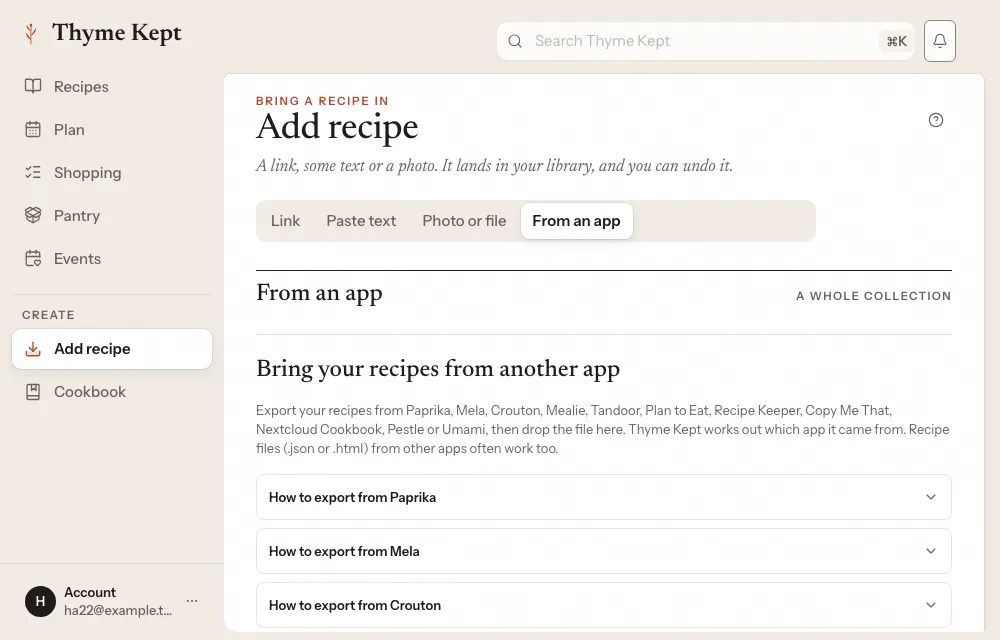
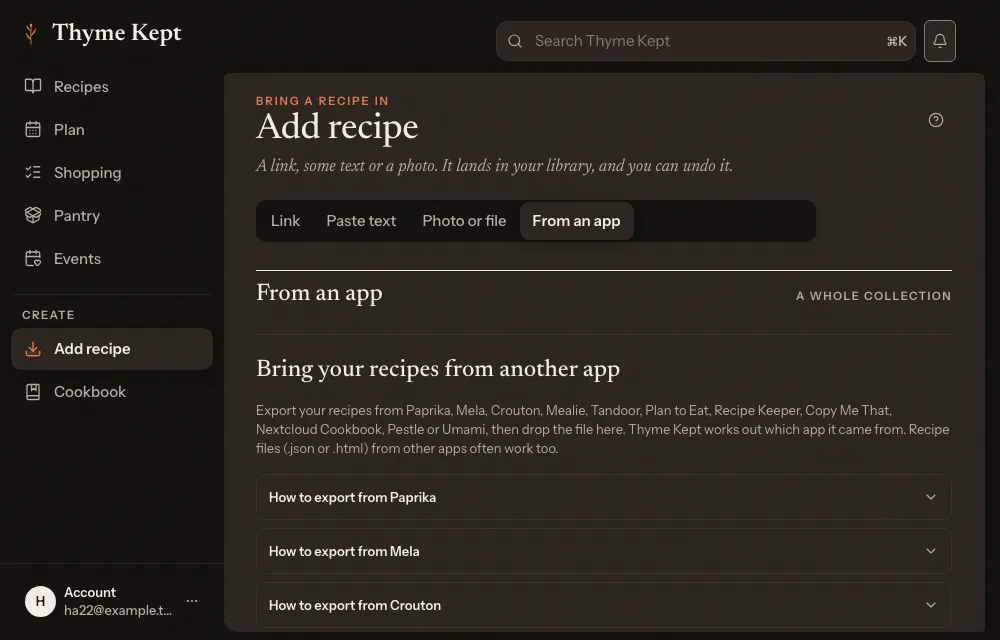
Thyme Kept reads exports from Paprika, Mela, Crouton, Mealie, Tandoor, Plan to Eat, Recipe Keeper, Copy Me That, Nextcloud Cookbook, Pestle and Umami. Choose Add recipe in the sidebar, open the From an app tab, and open How to export for your app: it lists the steps. In Paprika, for example, you select all recipes, choose File, then Export, and keep the Paprika Recipe Format.
2Drop the file in
Drop the file on Drop your export here. You can drop several files or a folder. Thyme Kept works out which app it came from, and says how many recipes it found, for example “Found 40 recipes from Paprika.”
3Import
Choose the button that says how many recipes it will bring in, such as Import 40 recipes, and keep the page open until it finishes. Photos, notes and categories come across too. When it is done, choose Go to your library.
Recipes already in your library are skipped, so it is safe to run the same file again. Any recipe that could not be read is listed afterwards. A library import has no Undo: if you imported by mistake, delete the recipes with Delete recipe permanently in a recipe’s menu.
If your app cannot export
AnyList, Samsung Food, NYT Cooking and BigOven cannot export a collection. Bring those recipes in one at a time with their links: see Add a recipe from a website.
Next
4 pagesStill stuck? Contact support
Updated October 25, 2026