Guides / Your data
Export your recipes
Take your recipes to another app, or keep a copy of your own.
GuideYour data4 steps
1Open Privacy and data
Open Settings, then the Privacy and data tab. Find Export recipes.
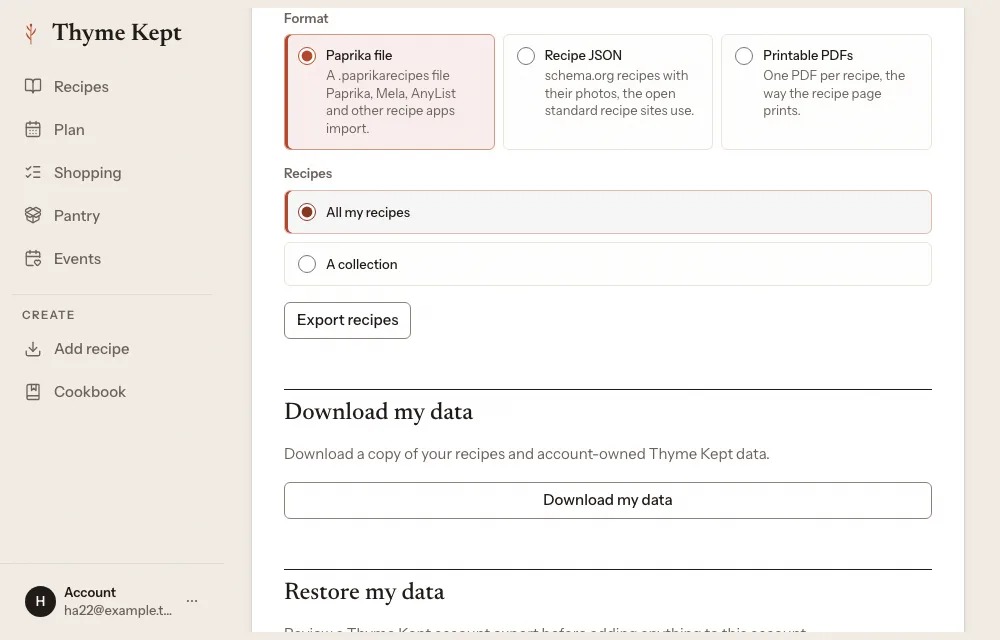
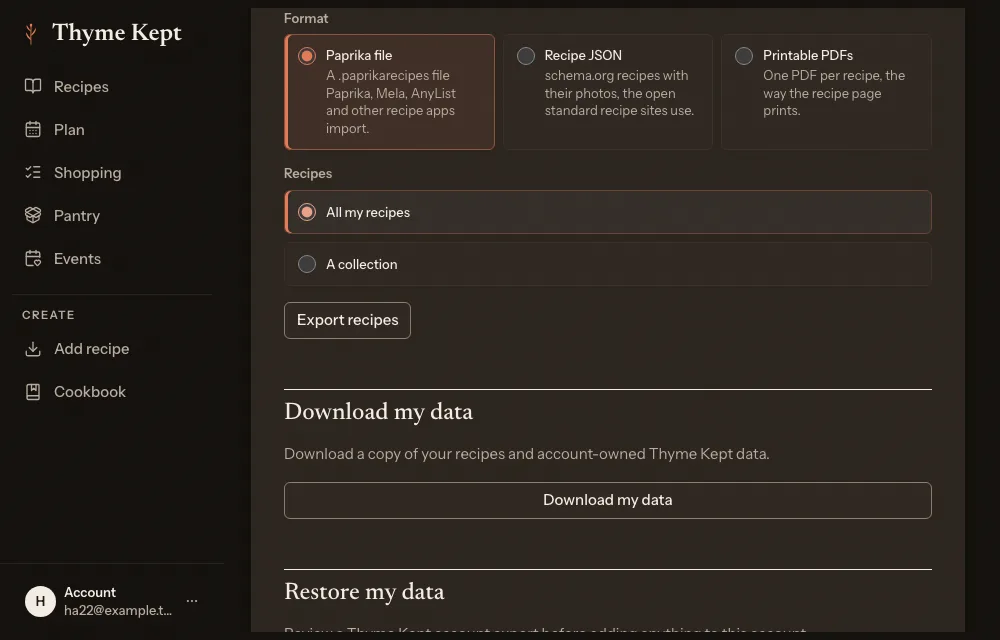
2Choose a format
Pick the one the other app reads: Paprika file (a .paprikarecipes file that Paprika, Mela, AnyList and other recipe apps import), Recipe JSON (schema.org recipes with their photos, as a zip), or Printable PDFs (one PDF per recipe).
3Choose what to export
All my recipes, A collection, or Selected recipes: the ones you selected in your library. One export holds up to 5,000 recipes.
4Download
Choose Export recipes. Thyme Kept prepares the file and downloads it; keep the page open until it finishes. Your notes come too, marked private.
Next
4 pagesStill stuck? Contact support
Updated October 25, 2026