Organise your library
Search, sort and filter your recipes, and act on several at once.
1Search and browse
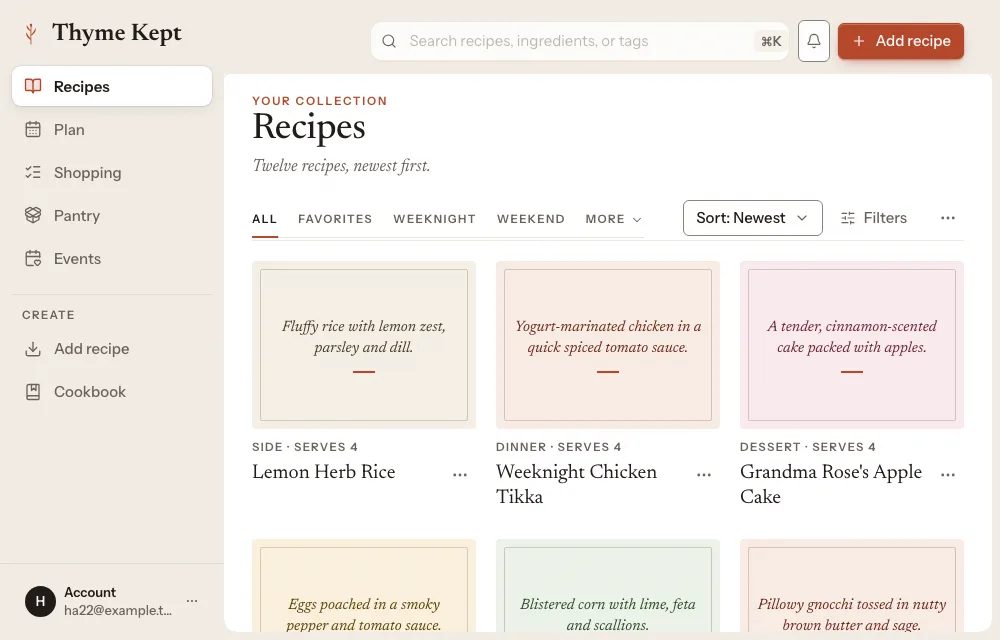
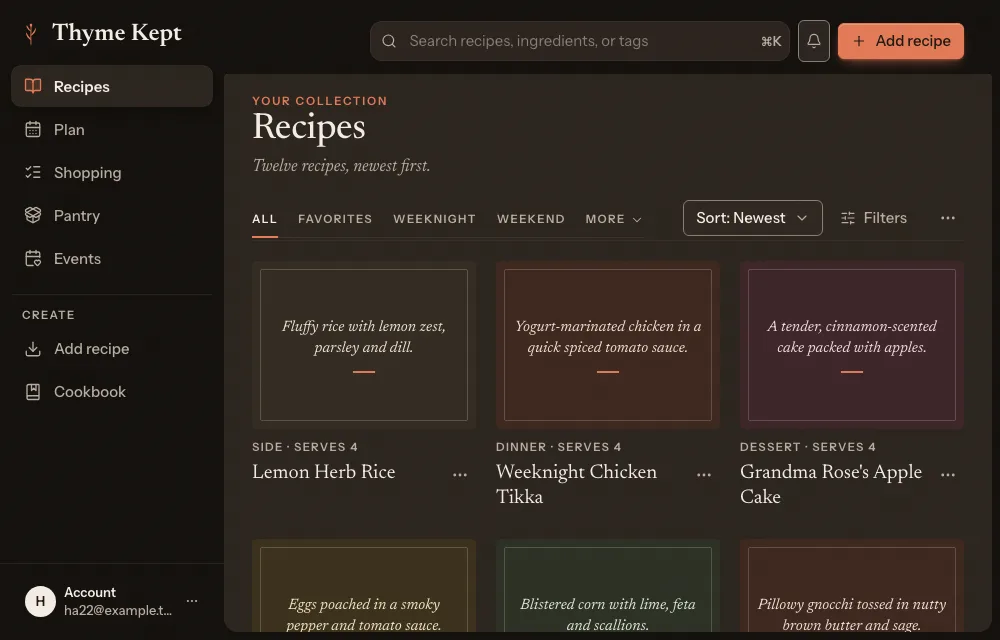
Type in the search at the top: it searches recipes, ingredients and tags. The tabs below the title are All, Favorites and your collections. More lists the rest, with views such as Recently added, Highly rated, Never cooked, Quick meals, Imported, Use soon, Ready to cook and Missing 1–2. The last three use your pantry.
2Sort
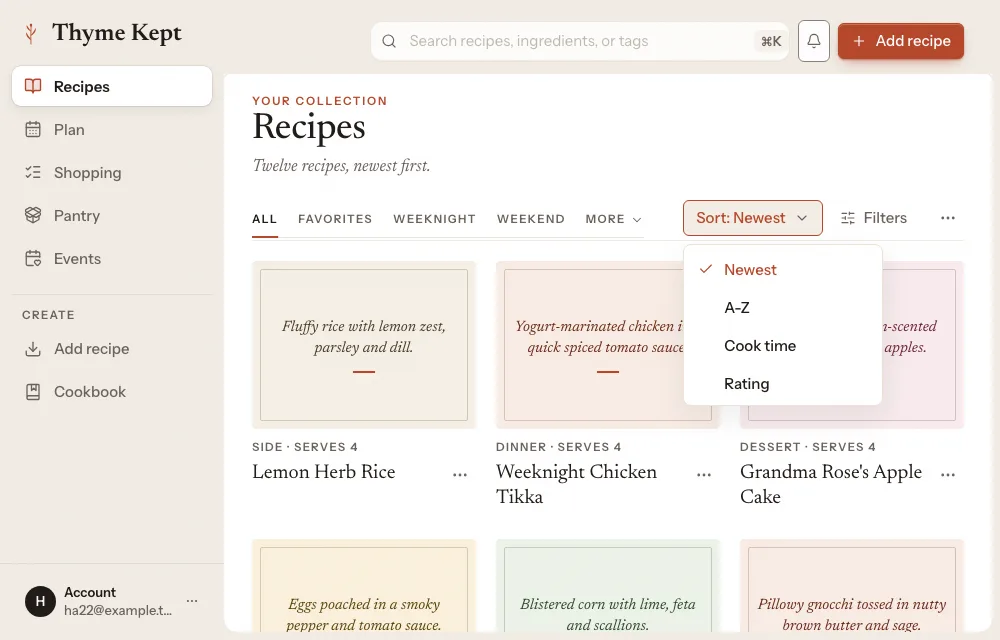
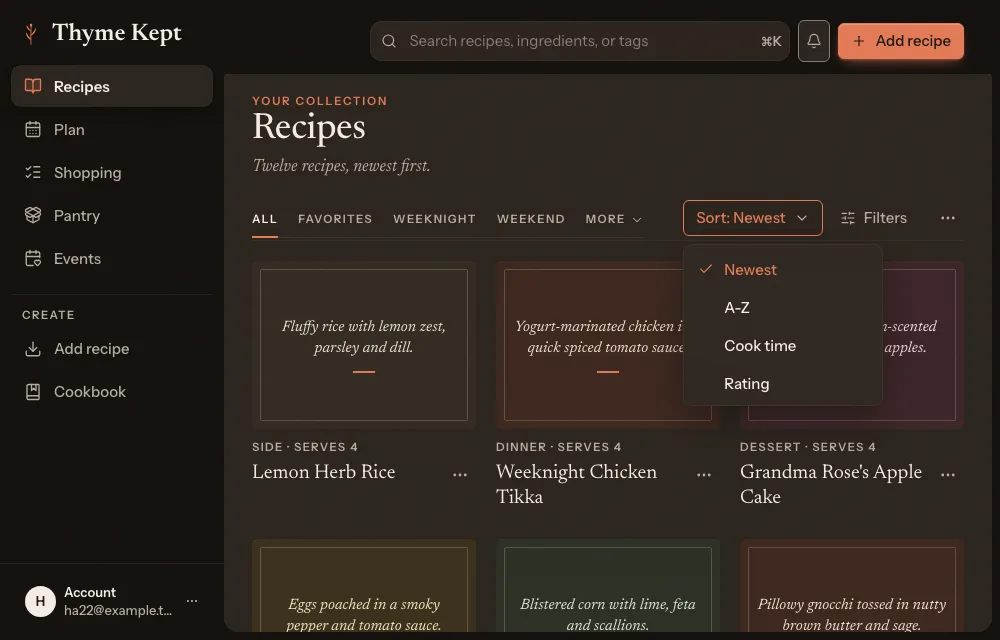
Open Sort and choose Newest, A-Z, Cook time or Rating.
3Filter
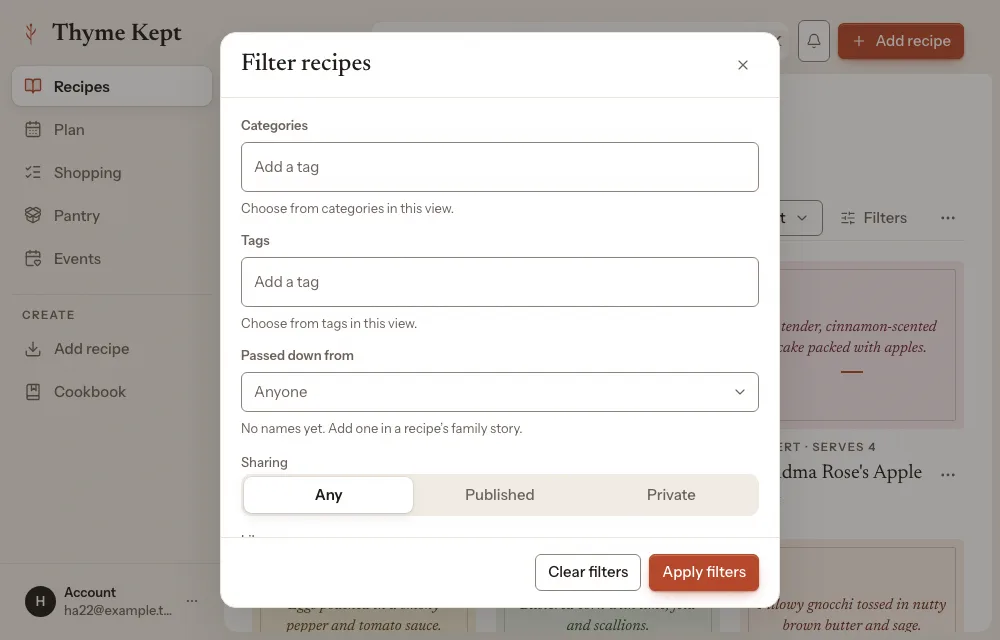
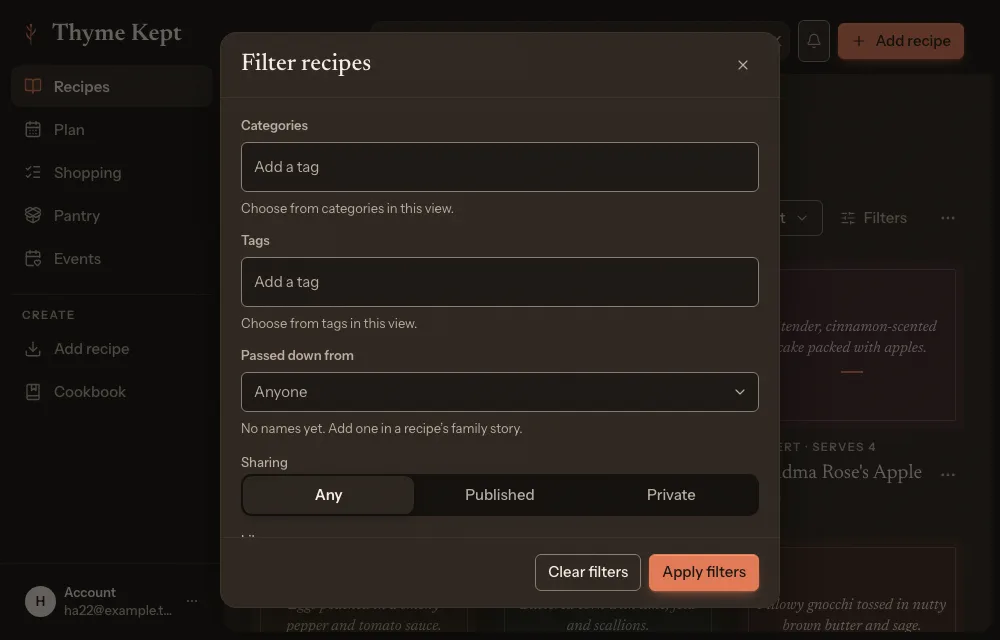
Choose Filters to narrow the library by categories, tags, who passed a recipe down, whether it is published or private, and whether it is yours or shared with you. A chip shows each active filter, and Clear filters removes them all.
4Act on several recipes
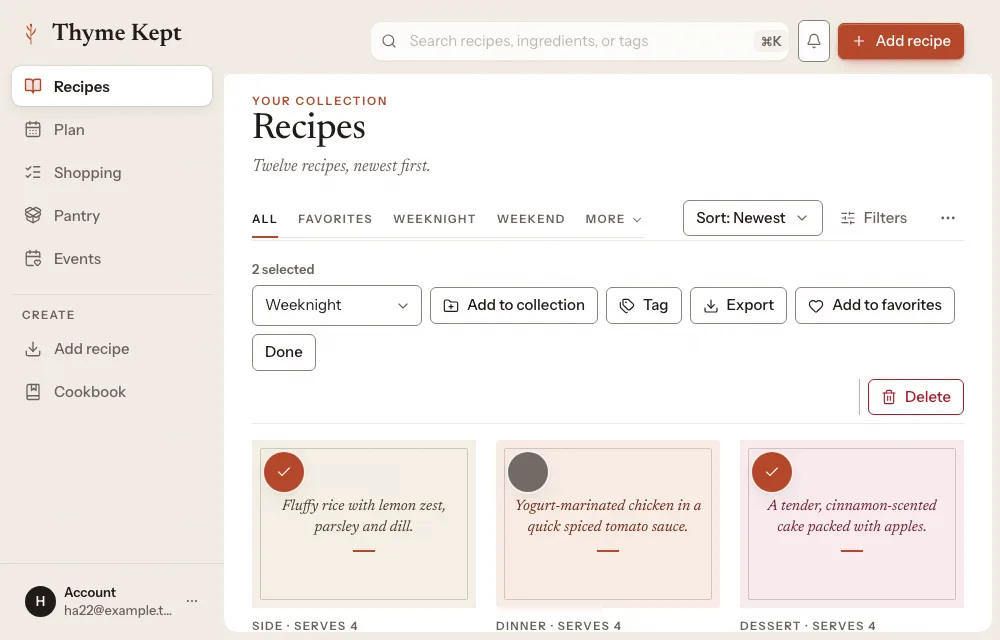
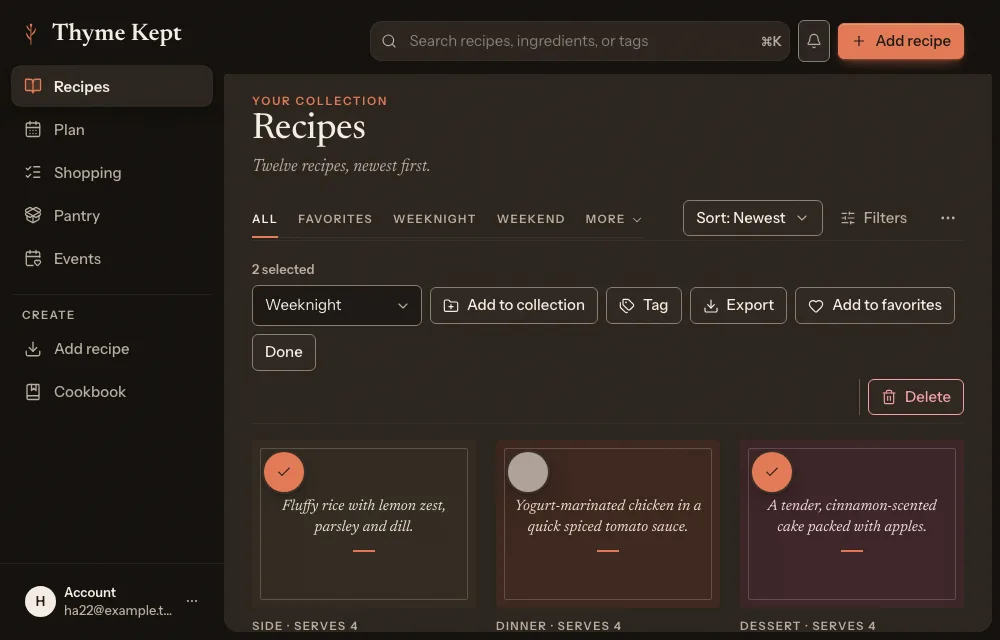
Open the Organize recipes menu and choose Select recipes. Select recipes, then add them to a collection, tag them, export them, add them to favorites, or delete them (up to 50 at a time). Choose Done when you have finished. Manage collections in the same menu creates and edits collections.
Next
3 pagesStill stuck? Contact support
Updated October 25, 2026