Cook with Cook Mode
One step at a time, with the ingredients, a timer and your place kept.
1Start from the recipe
Open a recipe and choose Cook. The button shows only when the recipe has steps.
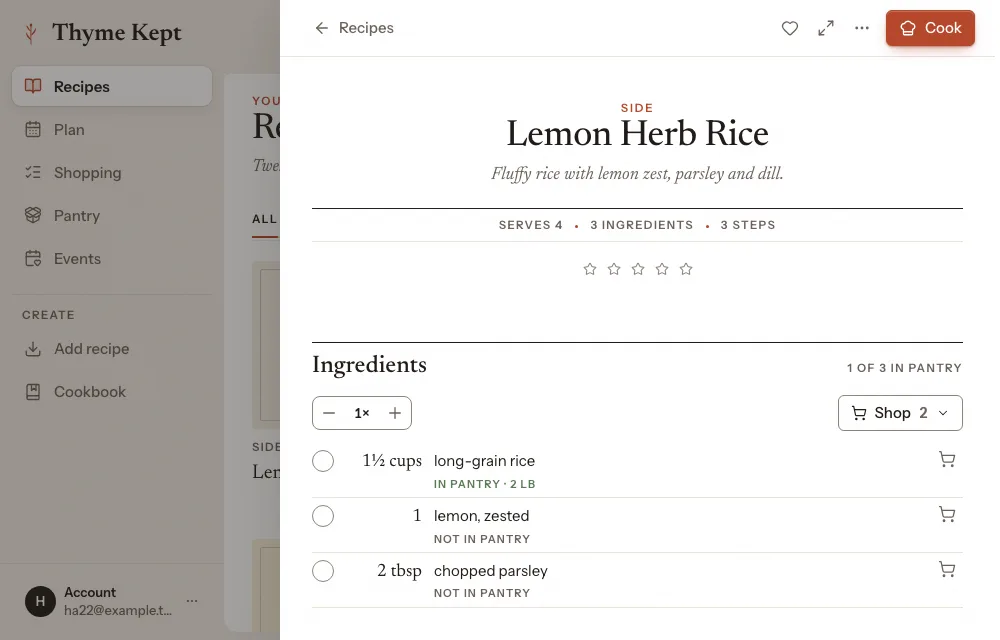
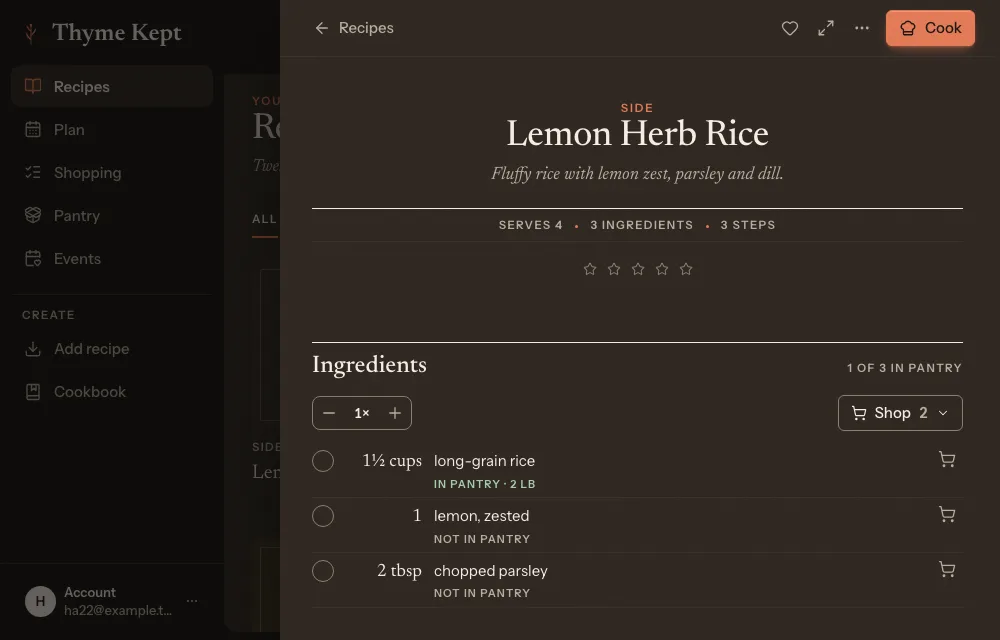
2Measure what you need
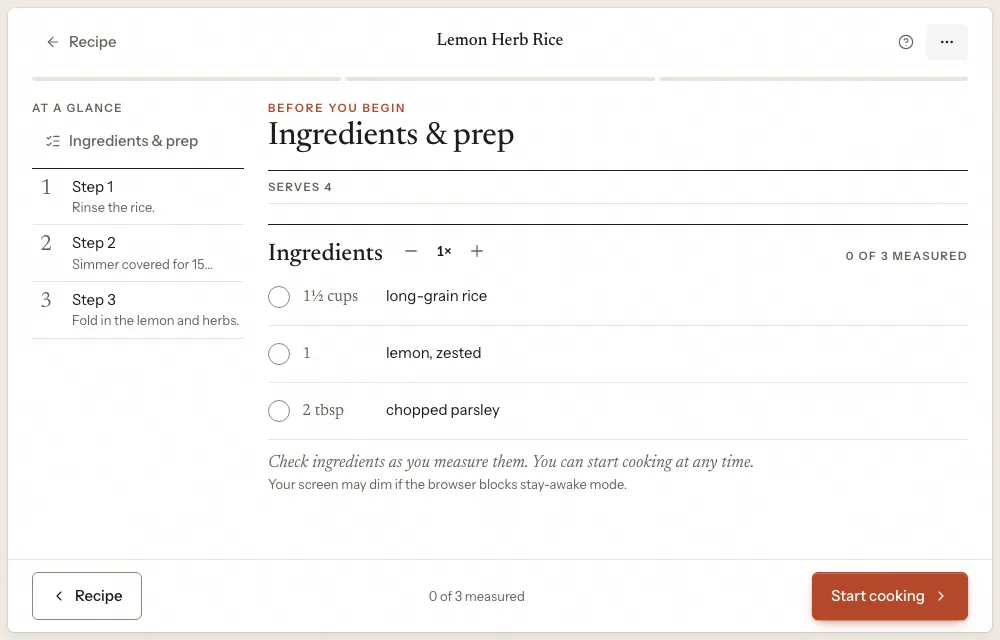
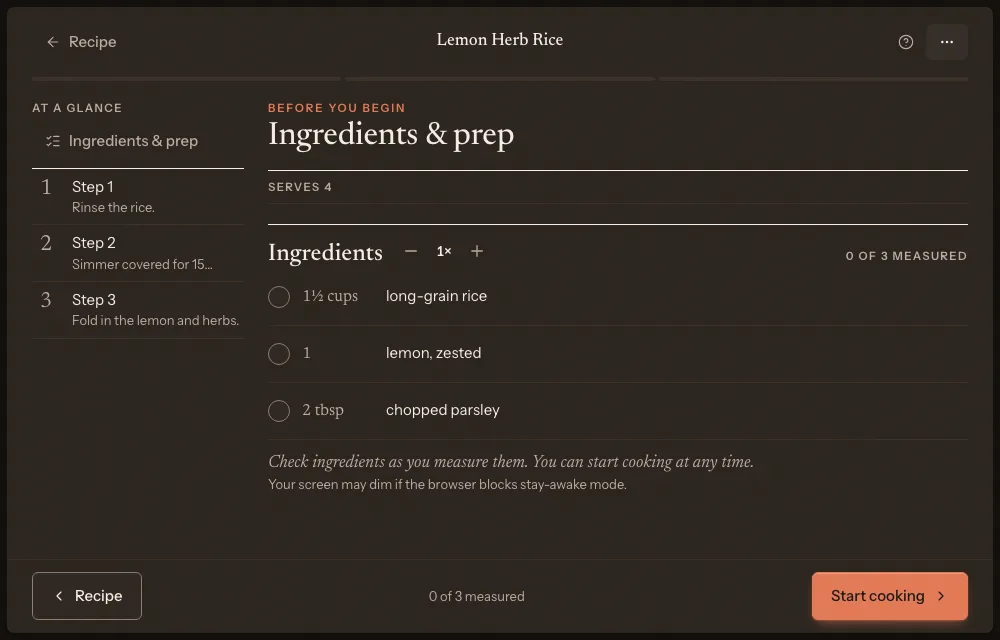
Cook Mode opens on Ingredients & prep. Check each ingredient off as you measure it. Recipe scale has Smaller batch and Bigger batch, and the amounts change with it. Choose Start cooking when you are ready.
3Cook a step at a time
Each screen is one step: “Step 1 of 3”, with what the step uses under For this step. Choose Next step and Previous, or press the Right and Left arrow keys, or swipe on a touch screen. A step with a time gets a timer: choose Start timer.
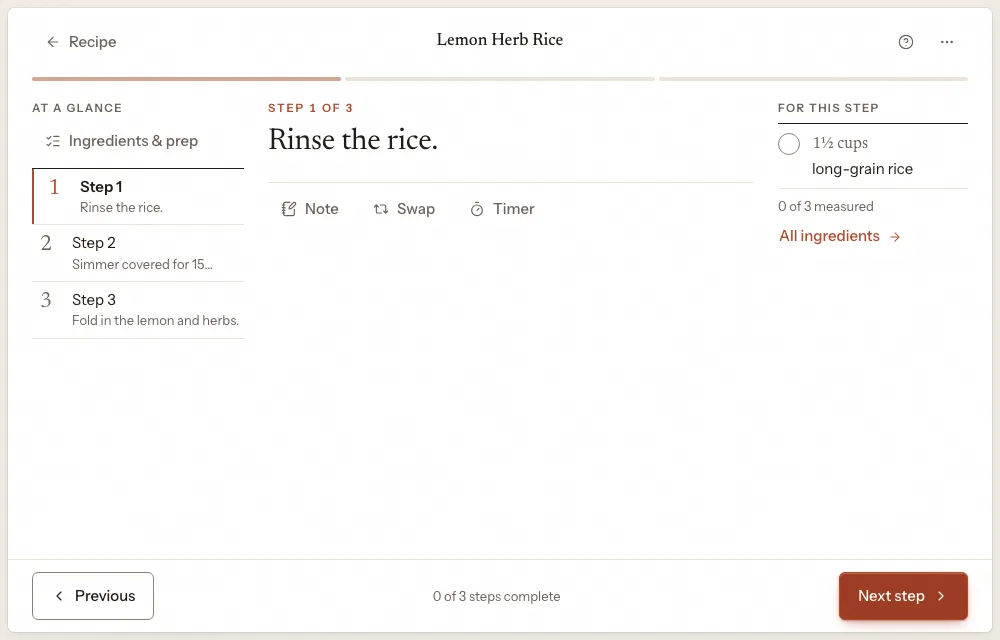
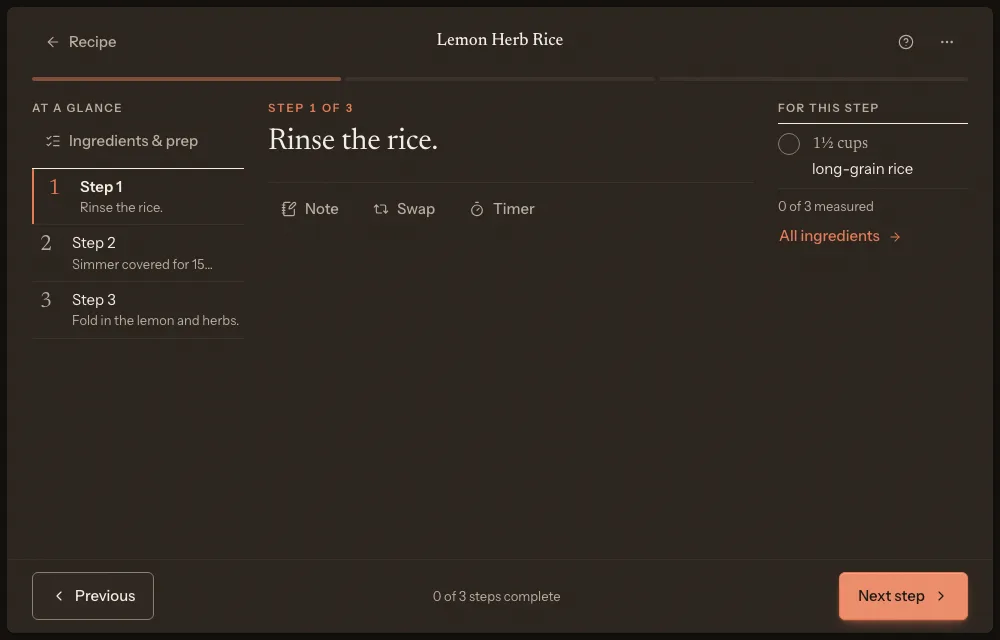
4Change how it looks
Cooking options has Larger text, All ingredients, Print recipe, Measurements (As written, Metric or US) and Start over. Where your browser allows it, the screen stays awake.
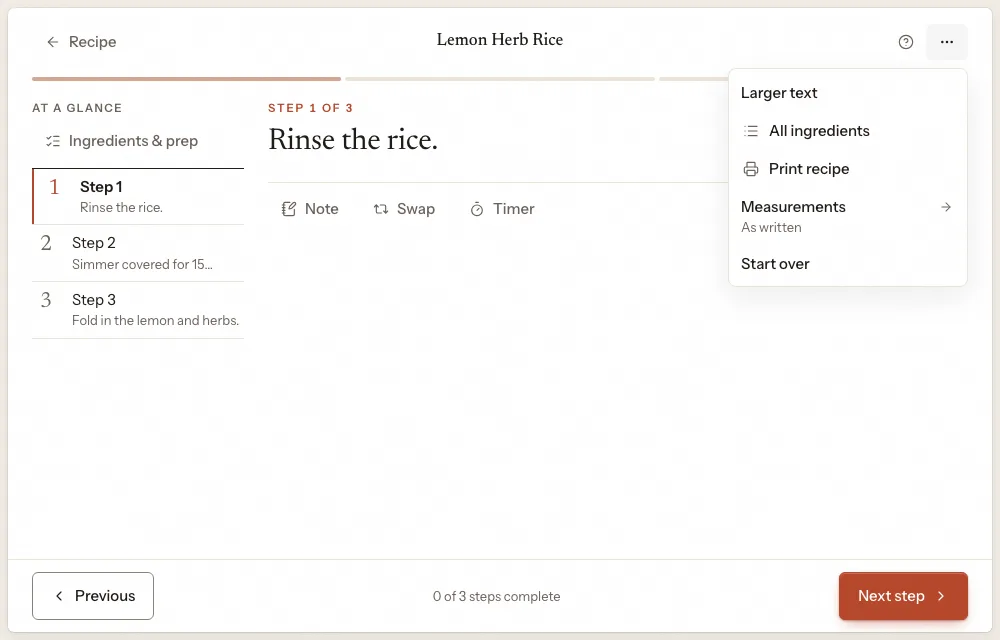
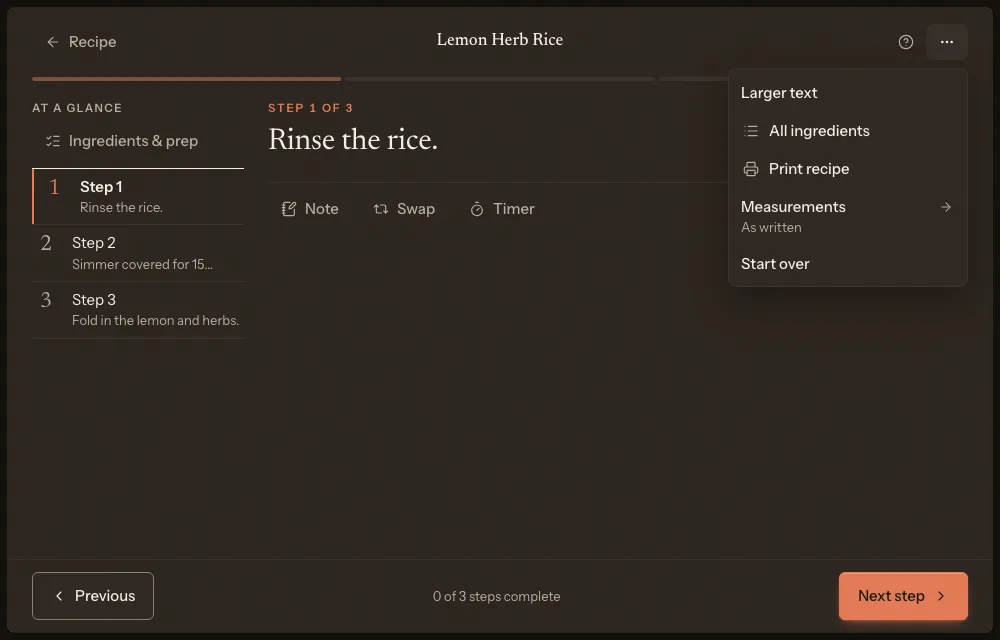
5Finish
Choose Finish cooking on the last step. Thyme Kept asks “How did it go?”, and you can rate the recipe and leave notes for next time.
Next
3 pagesStill stuck? Contact support
Updated October 25, 2026