Shop and keep a pantry
Check items off in the shop, finish the trip, and keep track of what you have at home.
1Start with the list
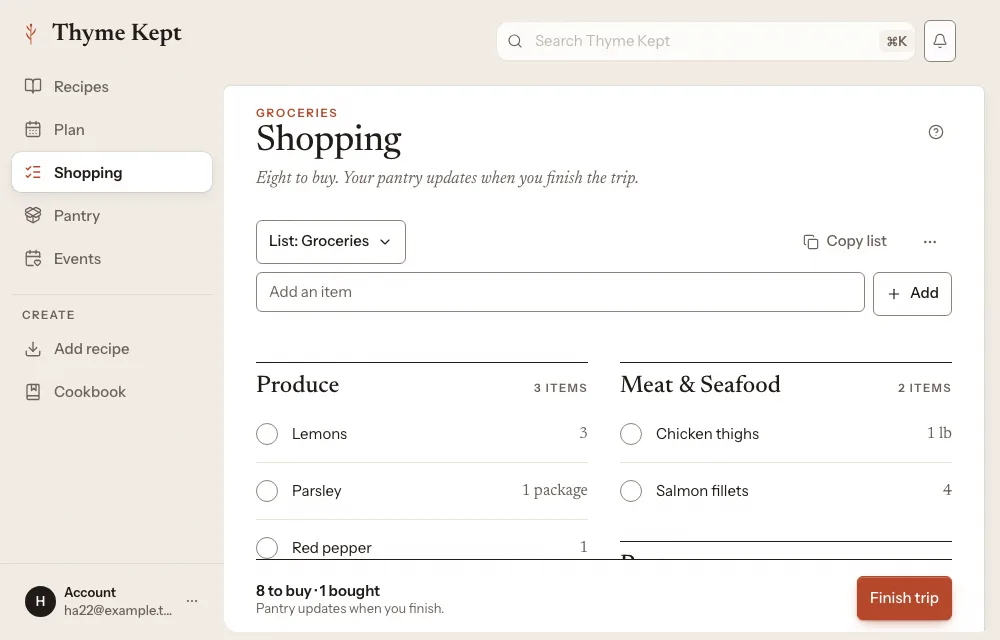
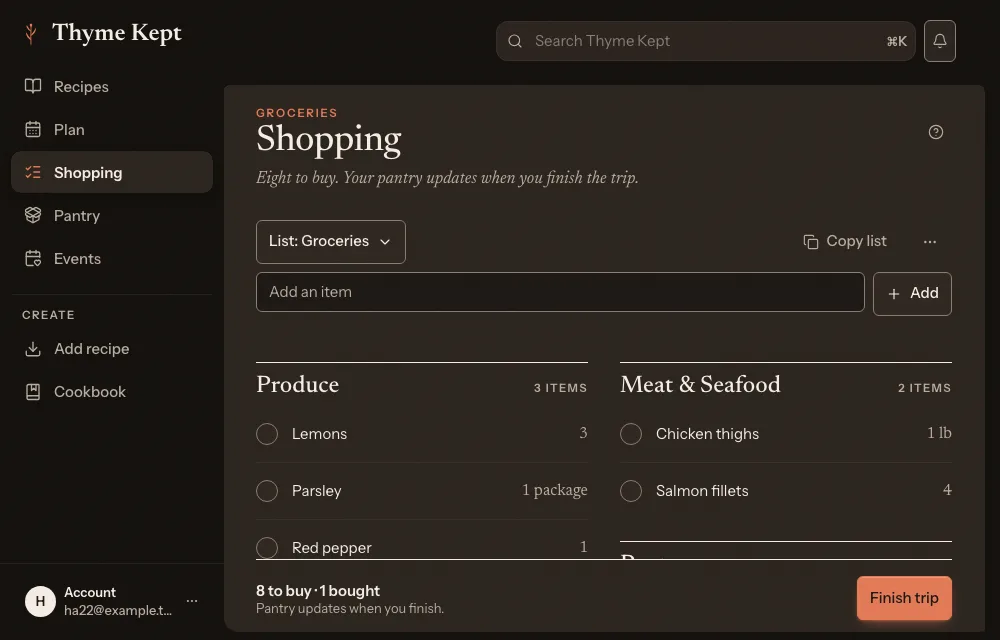
Choose Shopping in the sidebar. Add an item by typing in Add an item, or bring ingredients in from recipes with List options and then Add from recipes. A list built from your plan is here too. Items sit under aisle headings.
2Check things off in the shop
Check an item off as you buy it. Bought items move into a Bought group, and items you set aside go to Not buying this trip. Choose Copy list to send the list on.
3Finish the trip
Choose Finish trip. You can Update pantry with what you bought, or Finish without updating pantry.
4Keep a pantry
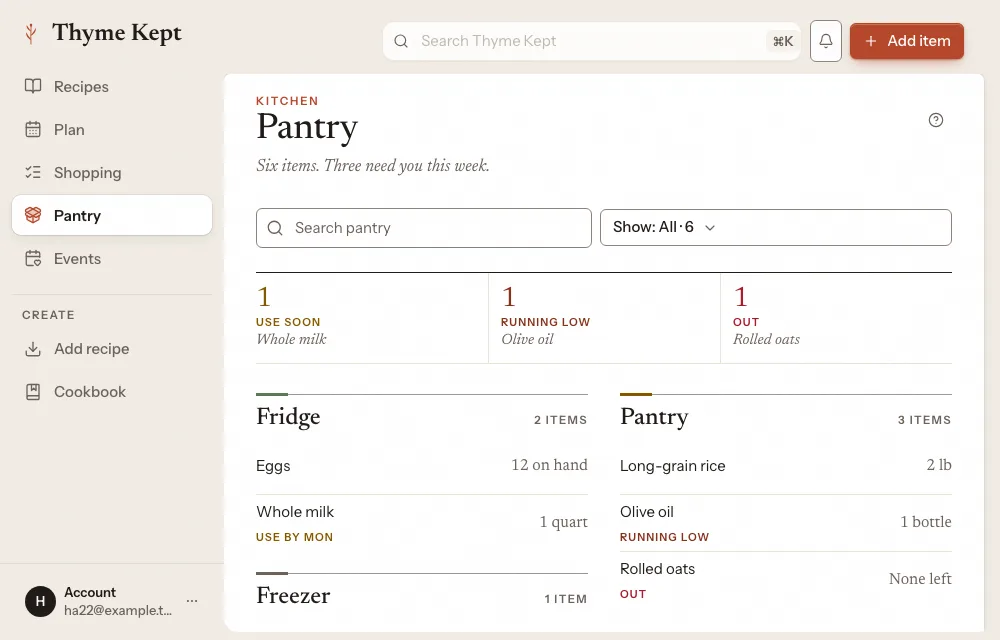
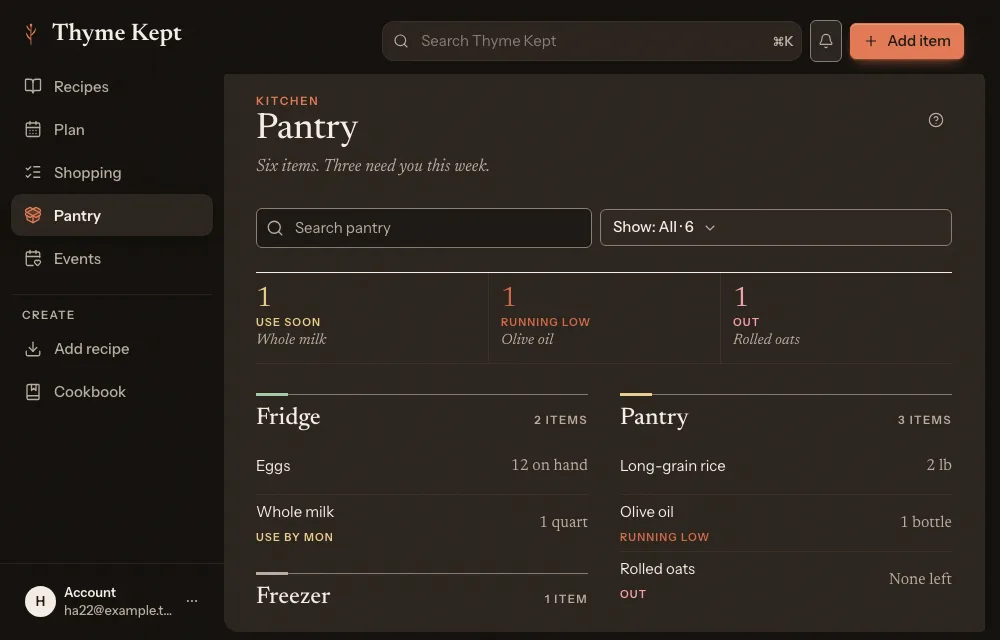
Choose Pantry in the sidebar. Items sit under the place they are kept, such as Fridge, Pantry and Freezer, and each is Have it, Running low or Out.
5Add to the pantry
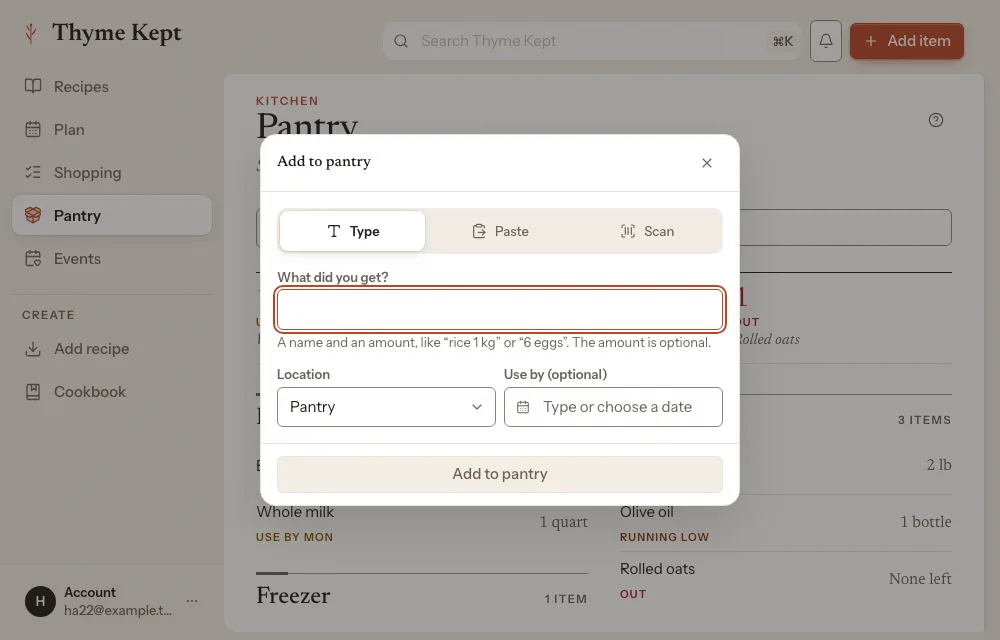
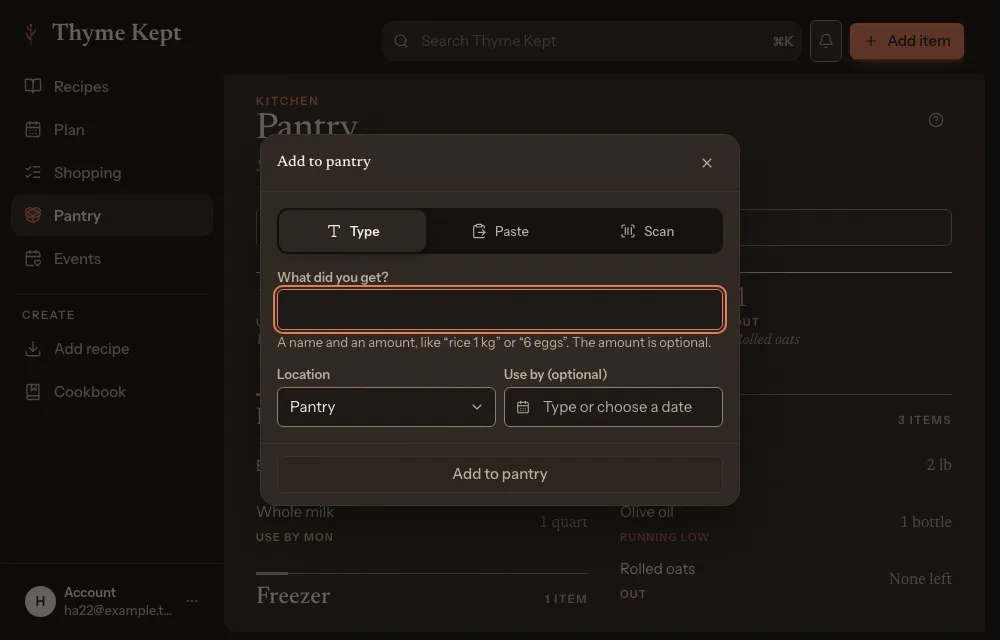
Choose Add item. Type a name and an amount, paste a list, or scan a barcode. If you already have the item, choose Add to existing, Replace amount or Keep separate.
Next
4 pagesStill stuck? Contact support
Updated October 25, 2026