Guides / Getting started
Get started with Thyme Kept
Make an account, add your first recipe, and cook from it.
GuideGetting started4 steps
1Make your account
Go to thymekept.com and choose Create a free account. Enter your email, then a password of at least 8 characters, twice, and choose Create account.
Thyme Kept sends you an email to confirm your address. Open it, follow the link, and then sign in.
2Add your first recipe
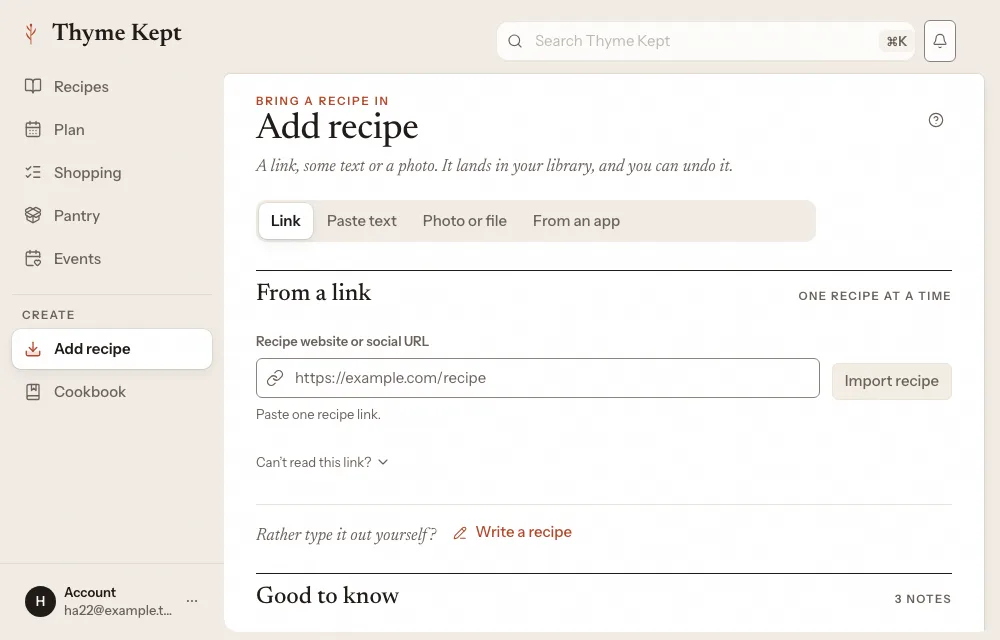
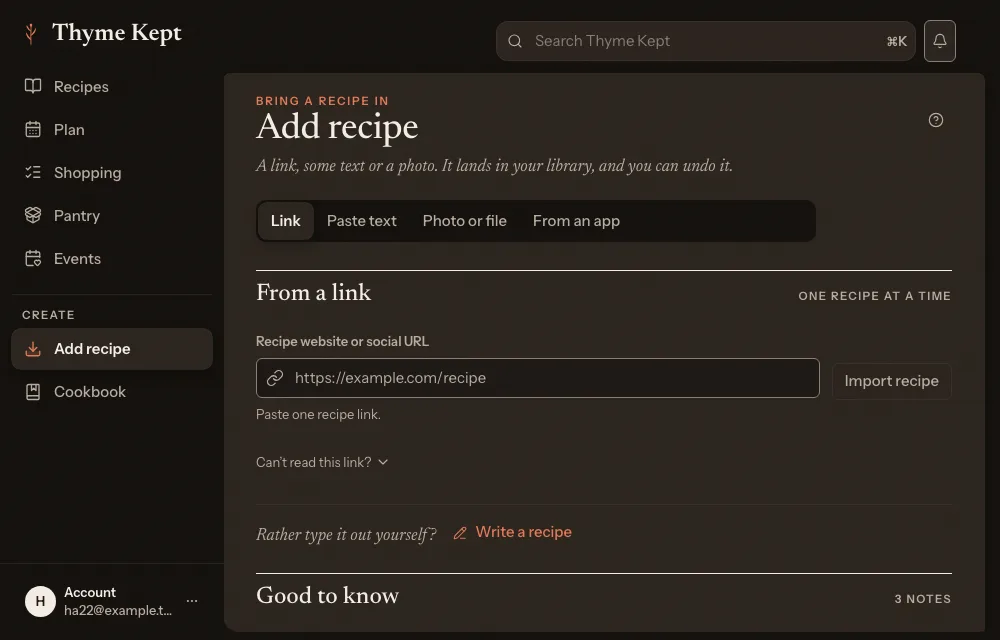
Choose Add recipe in the sidebar. The page opens on the ways to bring a recipe in: Link, Paste text and From an app. The next guide shows a link.
3Find it in your library
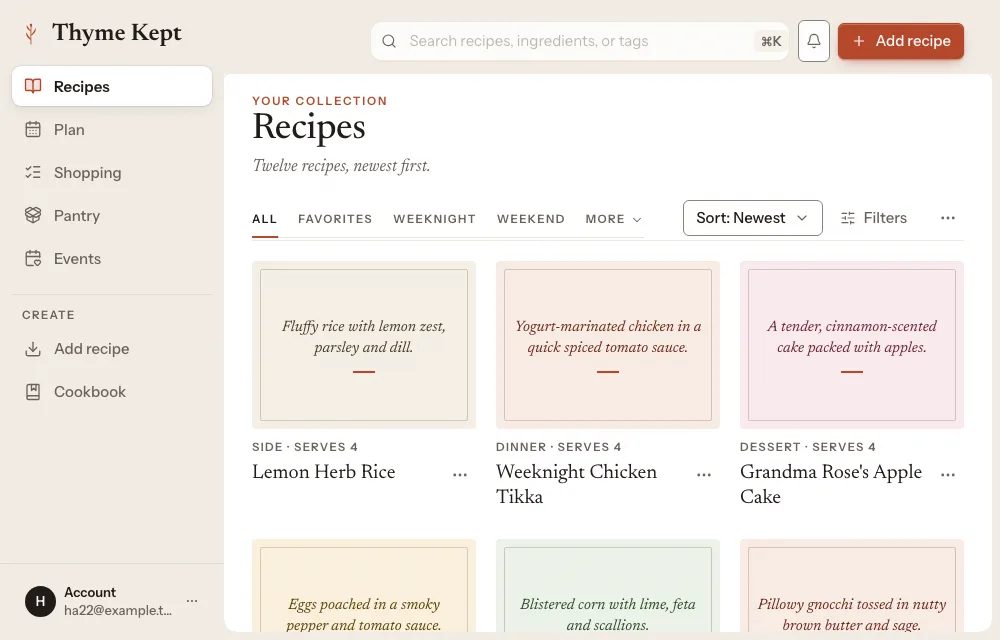
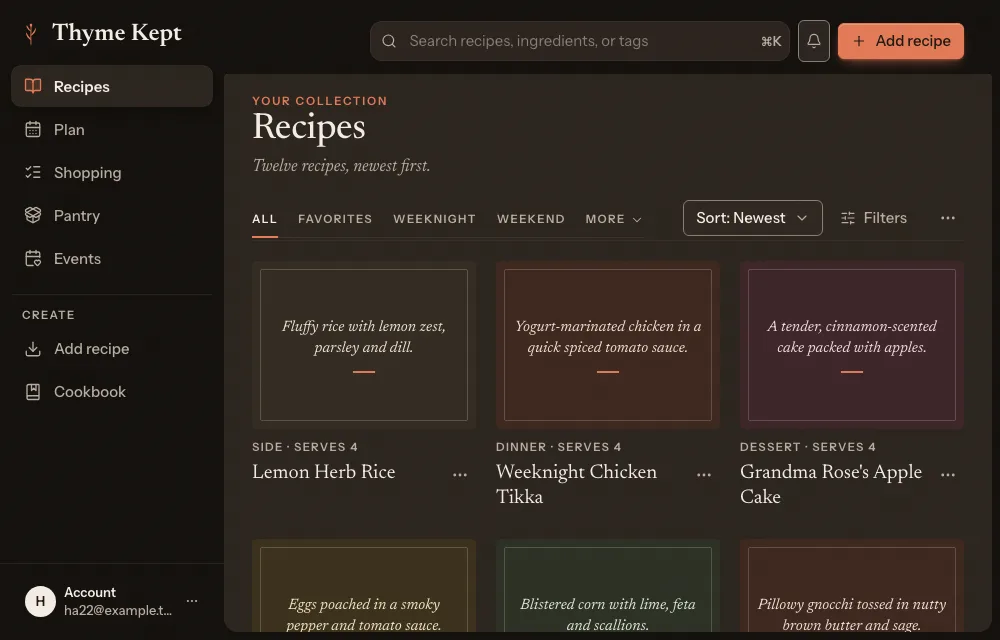
Your recipes are in Recipes. Search at the top, or use the tabs and Sort to find one.
4Open it and cook
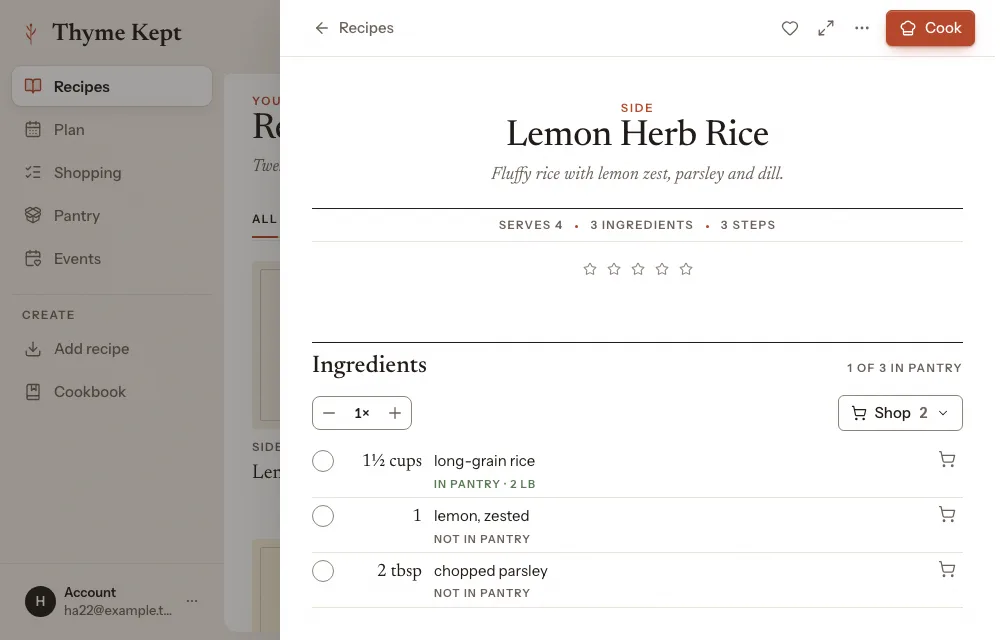
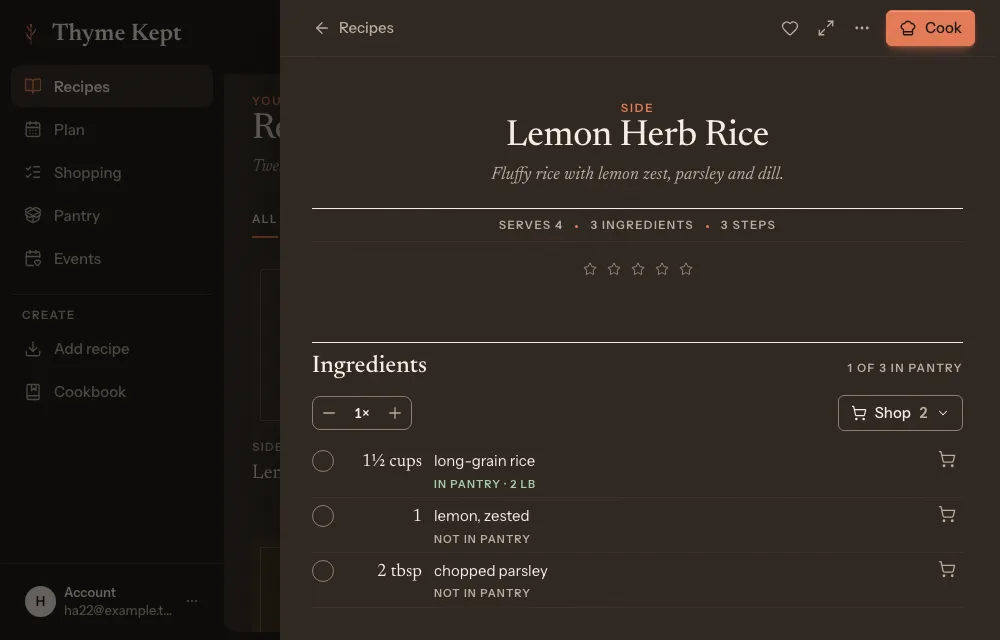
Choose a recipe to open it. Choose Cook to cook from it one step at a time.
Next
5 pagesStill stuck? Contact support
Updated October 25, 2026