Build a cookbook
Put recipes into a book, pick its look, and print it or save it as a PDF.
1Open the builder
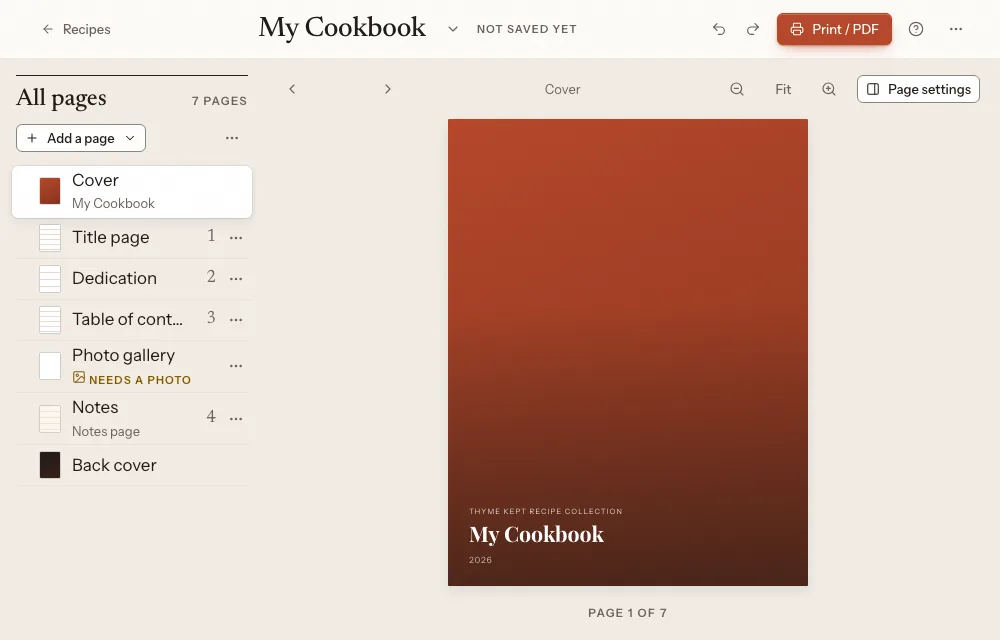
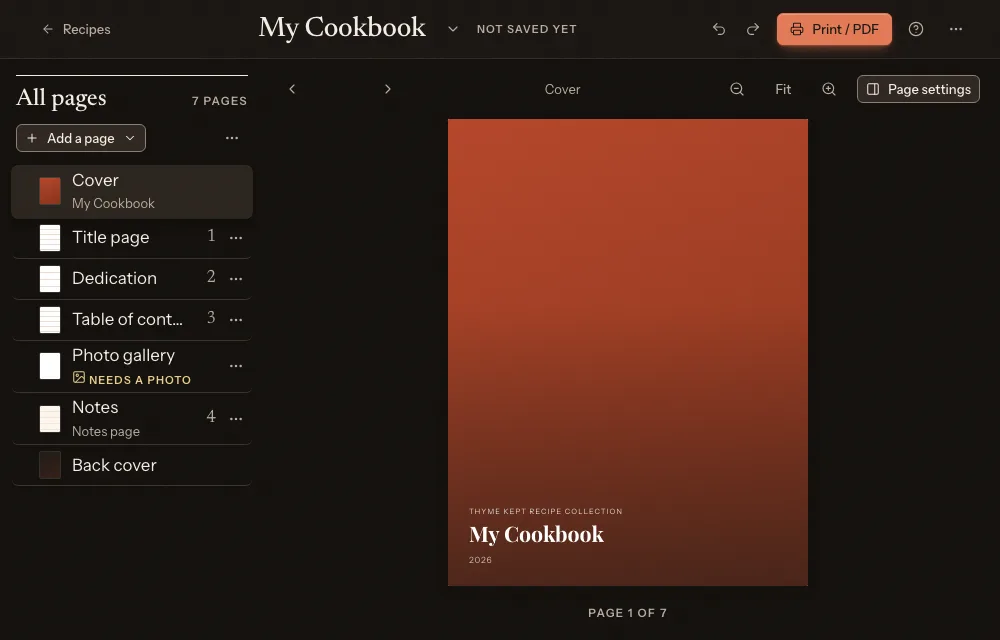
Choose Cookbook in the sidebar. The builder has your pages on the left, the book in the middle, and settings on the right.
2Choose the pages
Choose Add a page to add a recipe page, an original recipe card, a chapter, a text page, a notes page, a photo gallery, an About the cook page, acknowledgements, a copyright page, a blank page, an index or a kitchen reference. Each page has Move up, Move down, Duplicate and Remove page.
3Choose the look
Under Style, pick Classic, Modern or Rustic. Set the cover title and subtitle in the settings.
4Check it
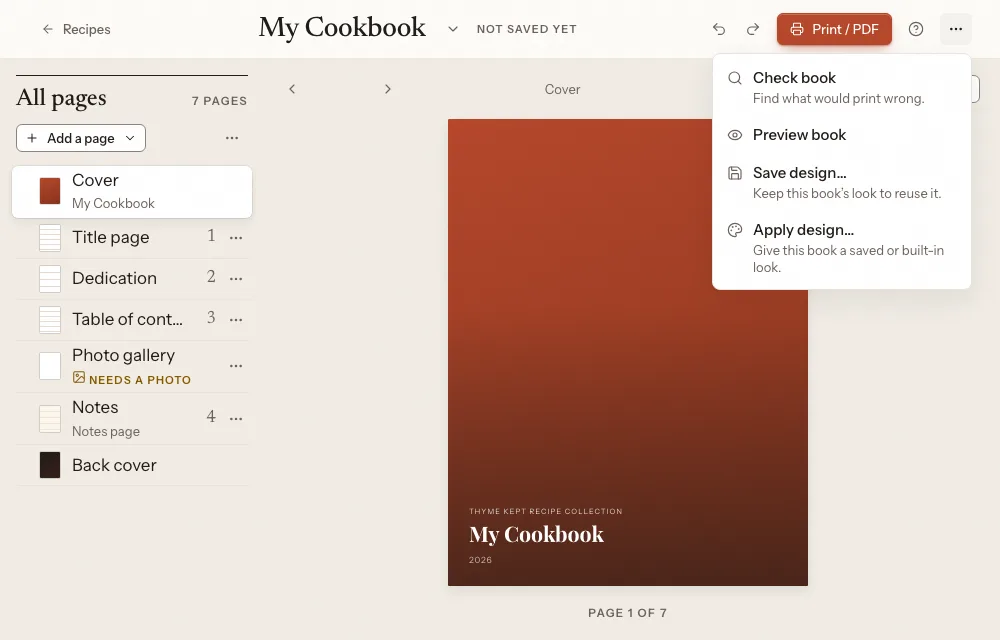
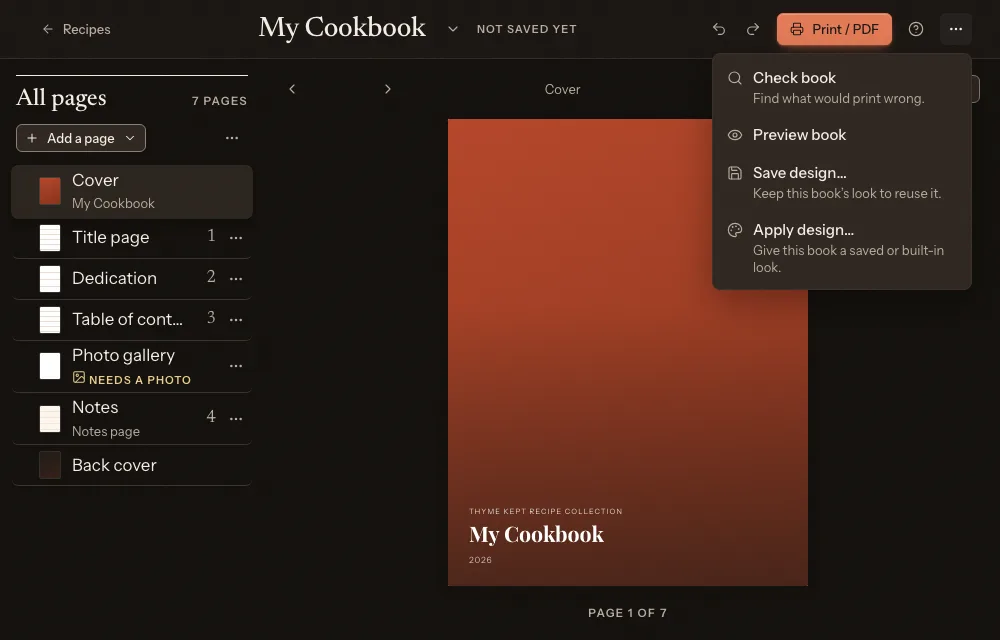
The Cookbook actions menu has Check book, Preview book, Save design… and Apply design…, and Version history….
5Print it or share it
Choose Print / PDF to open your browser’s print dialog, where you can print the book or save it as a PDF. Share for review… makes a read-only link for family to page through. Ordering a printed book from Thyme Kept is not available.
Next
3 pagesStill stuck? Contact support
Updated October 25, 2026