Host an event
Plan a dinner with a menu from your recipes, publish it, and share the guest page.
1Open Events
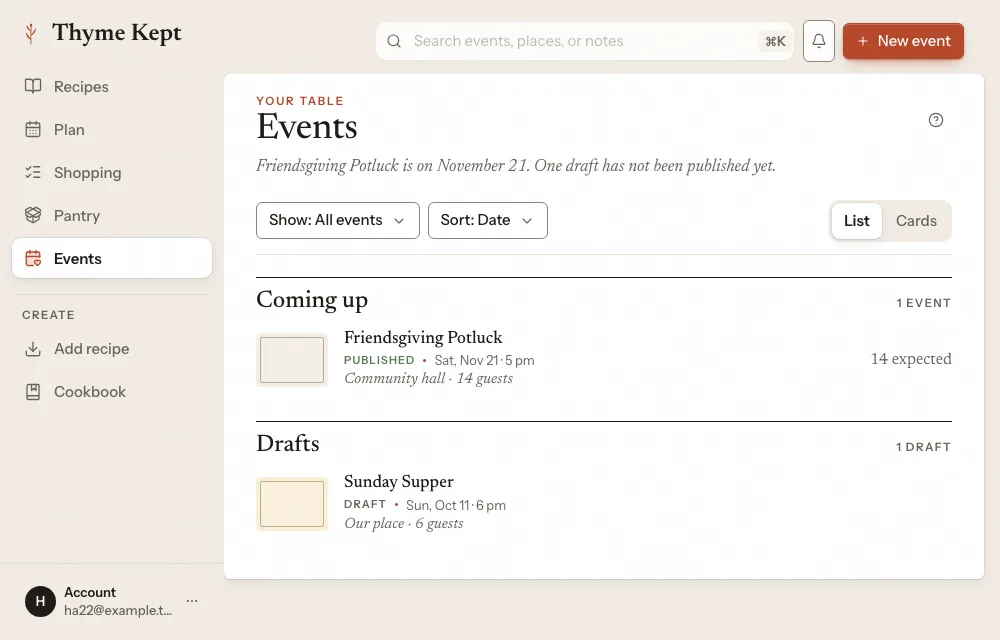
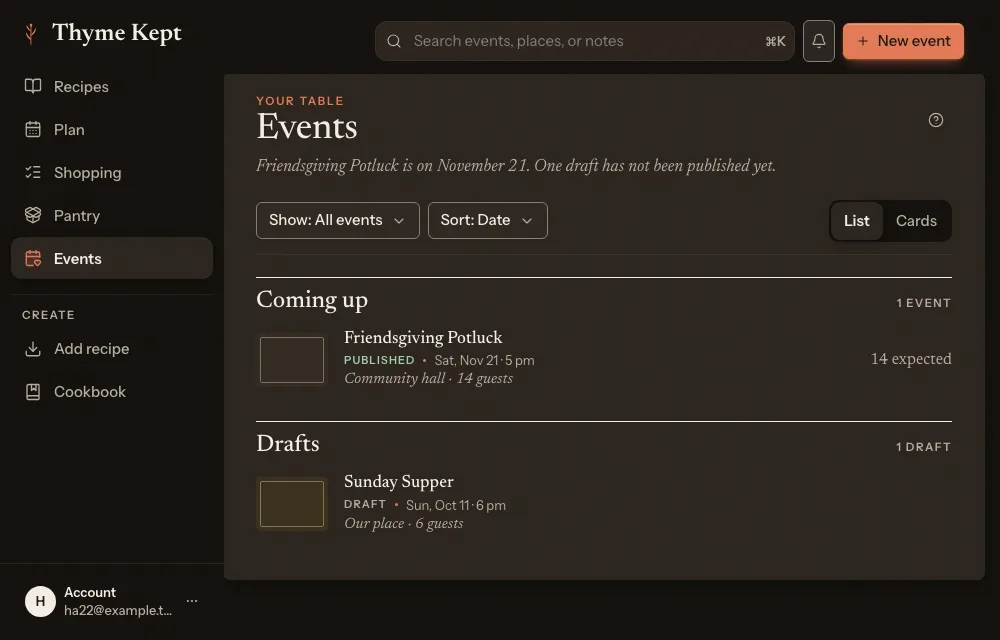
Choose Events in the sidebar. Your events are listed under Coming up and Drafts. Choose New event.
2Describe the event
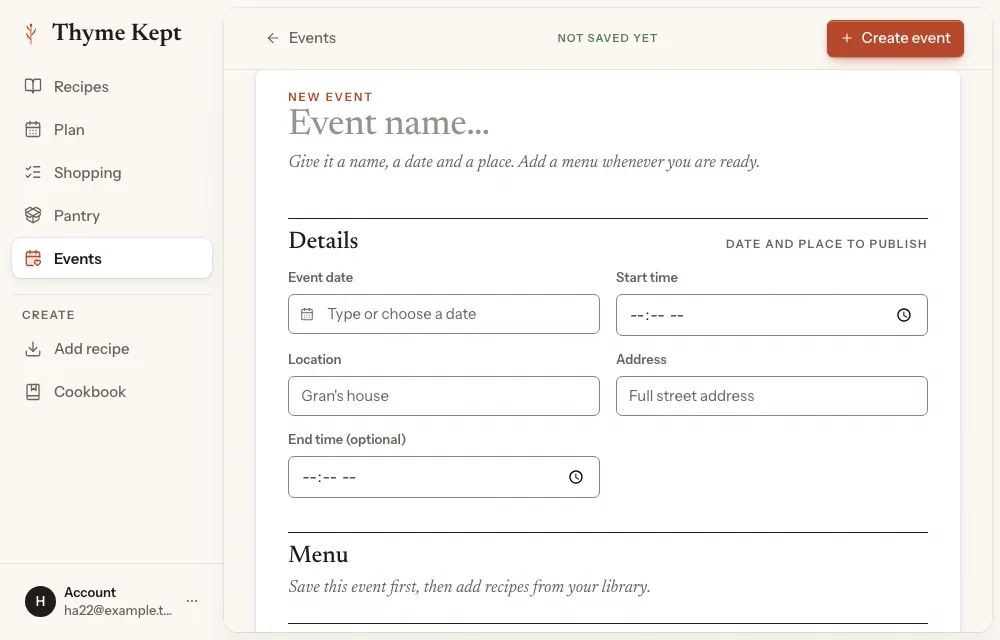
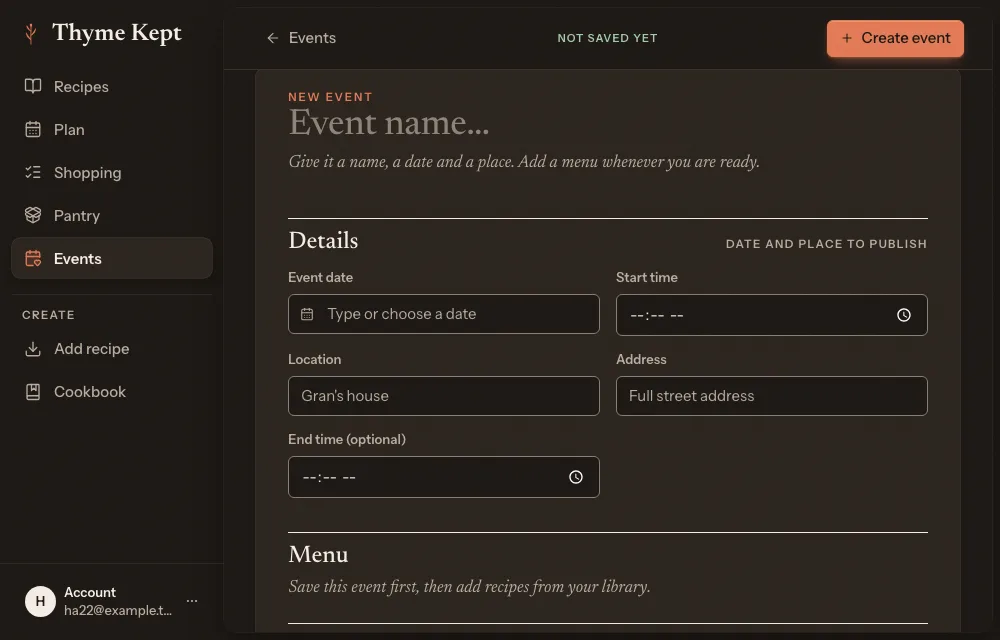
Give it a name, a date, a start time, a location and an address. Choose who can open it: Public, where anyone with the link can open it after you publish, or Invite-only, where only the people you add can open it or RSVP. Choose Create event.
3Build the menu
Choose Add recipe to put a recipe from your library on the menu, or Add a custom dish.
4Publish
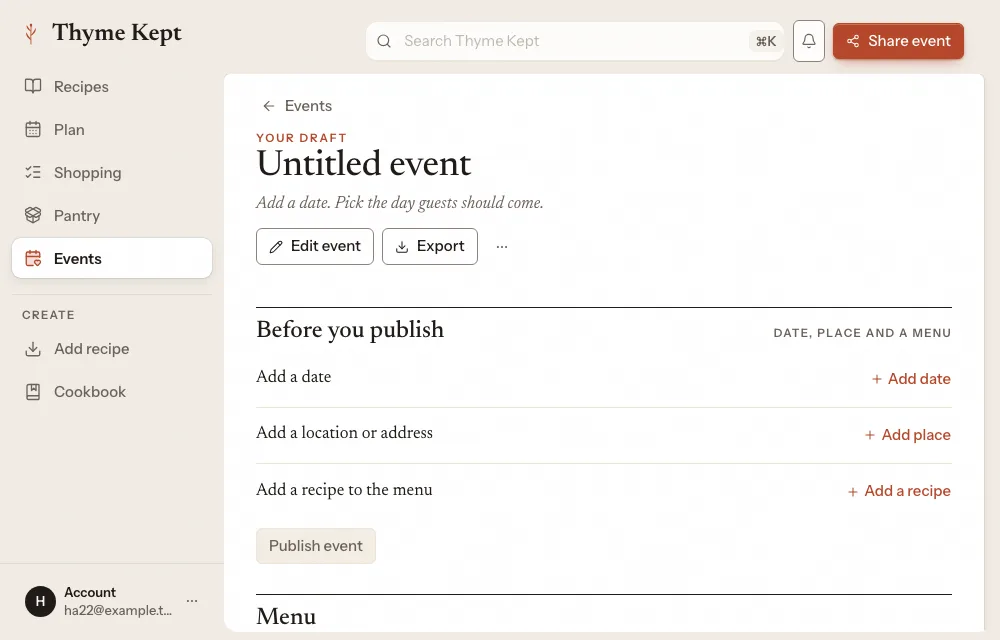
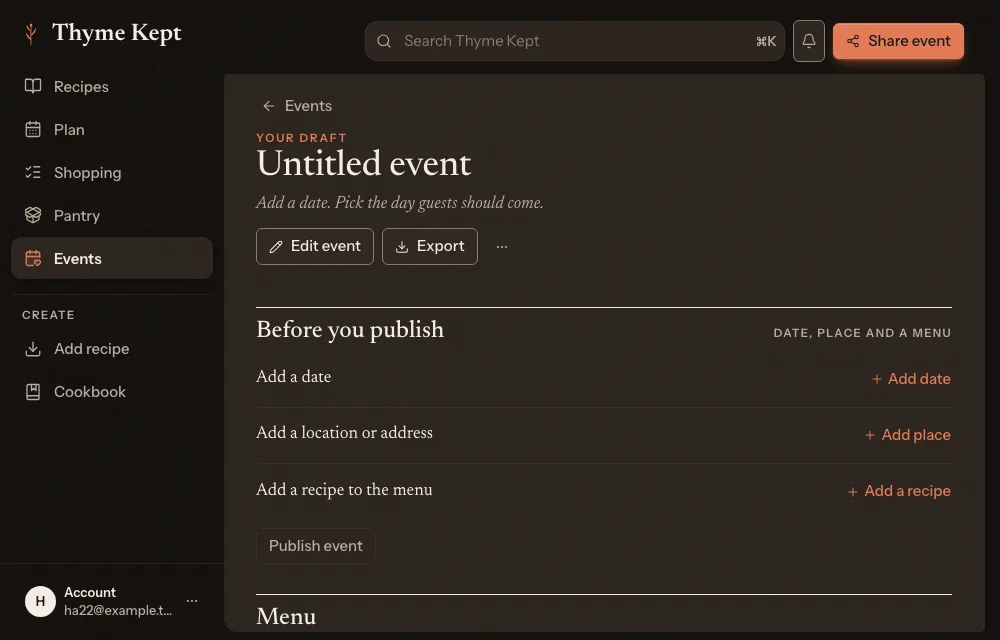
Before you can publish, the event needs a date, a place and a recipe on the menu. The page lists what is missing under Before you publish. When it is ready, choose Publish event. Then Copy guest link to share it, or Preview guest page to see what guests see.
5What guests do
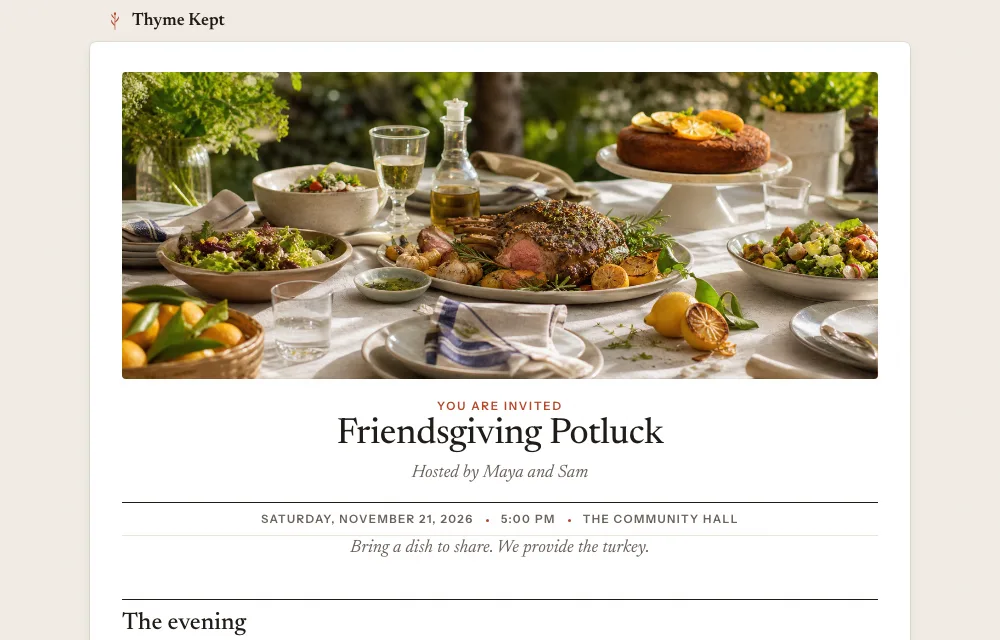
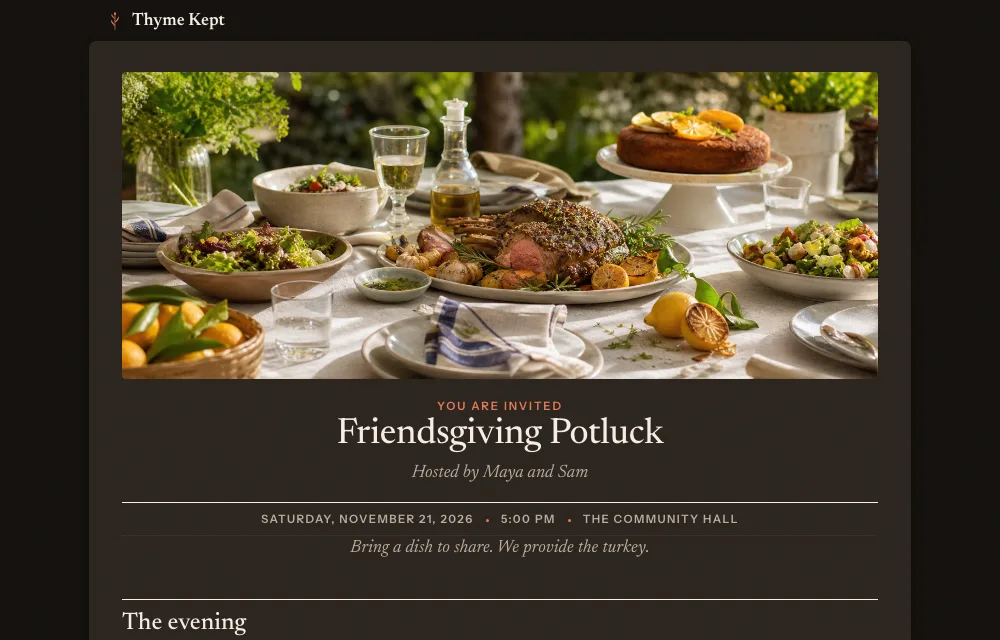
Guests need no account. They choose I’m attending, add their name and, on a public link, an email, and send an RSVP. The page also shows the menu and Who is coming, unless you turn on Hide guest list publicly.
Next
2 pagesStill stuck? Contact support
Updated October 25, 2026