Share with your household
Make a household to share planning, pantry and shopping, and choose which recipes to share.
1Open Household
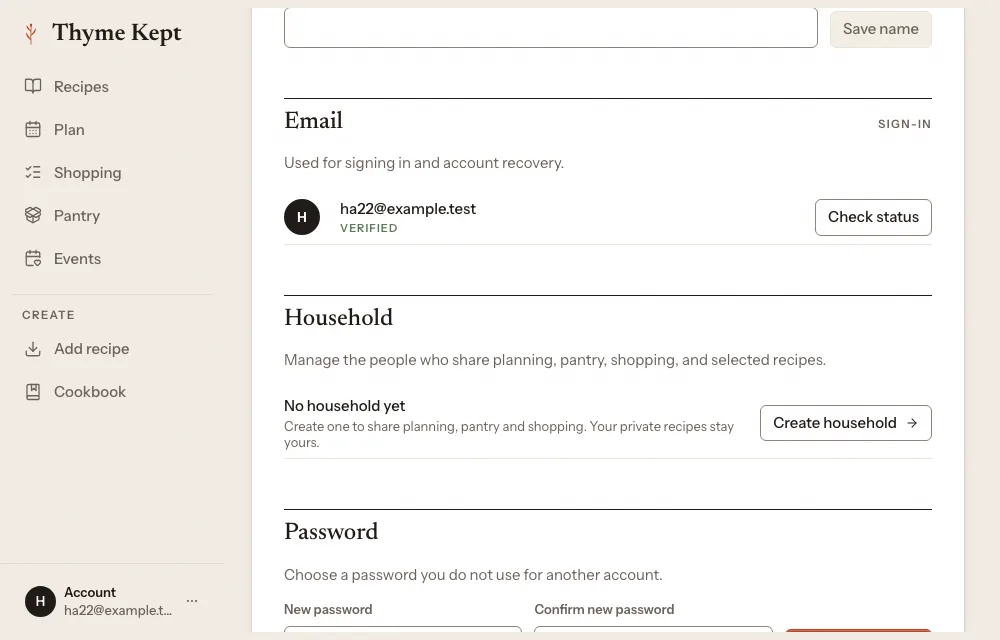
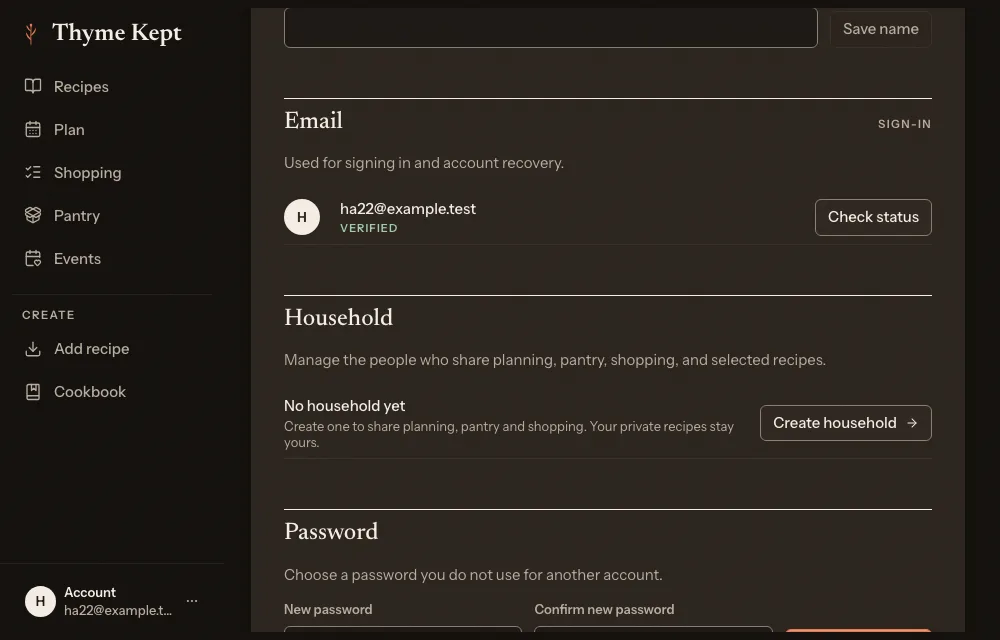
Open Settings, then Account. The Household row says “No household yet” until you make one.
2Create it
Choose Create household, give it a name and create it.
3Invite people
Choose Invite someone, enter their email, pick a role (Admin, Member or Viewer) and choose Create invitation link. Thyme Kept does not send an email: copy the link with Copy link and send it yourself. It works for seven days.
4Join
The person you invited opens the link, signs in with the invited email, and chooses Accept invitation. Nothing is shared until they accept.
5Share recipes
Planning, pantry and shopping are shared. Recipes stay private until you share each one from its share menu, on the household row. A Kitchen picker on the plan switches between your own kitchen and the household’s.
Next
3 pagesStill stuck? Contact support
Updated October 25, 2026